Pharmacy Operations, Connected Across Your Facilities.
A centralized pharmacy point-of-sale and inventory management system designed to support hospital pharmacies, warehouses, and multiple healthcare facilities through controlled, accountable, and synchronized operations.
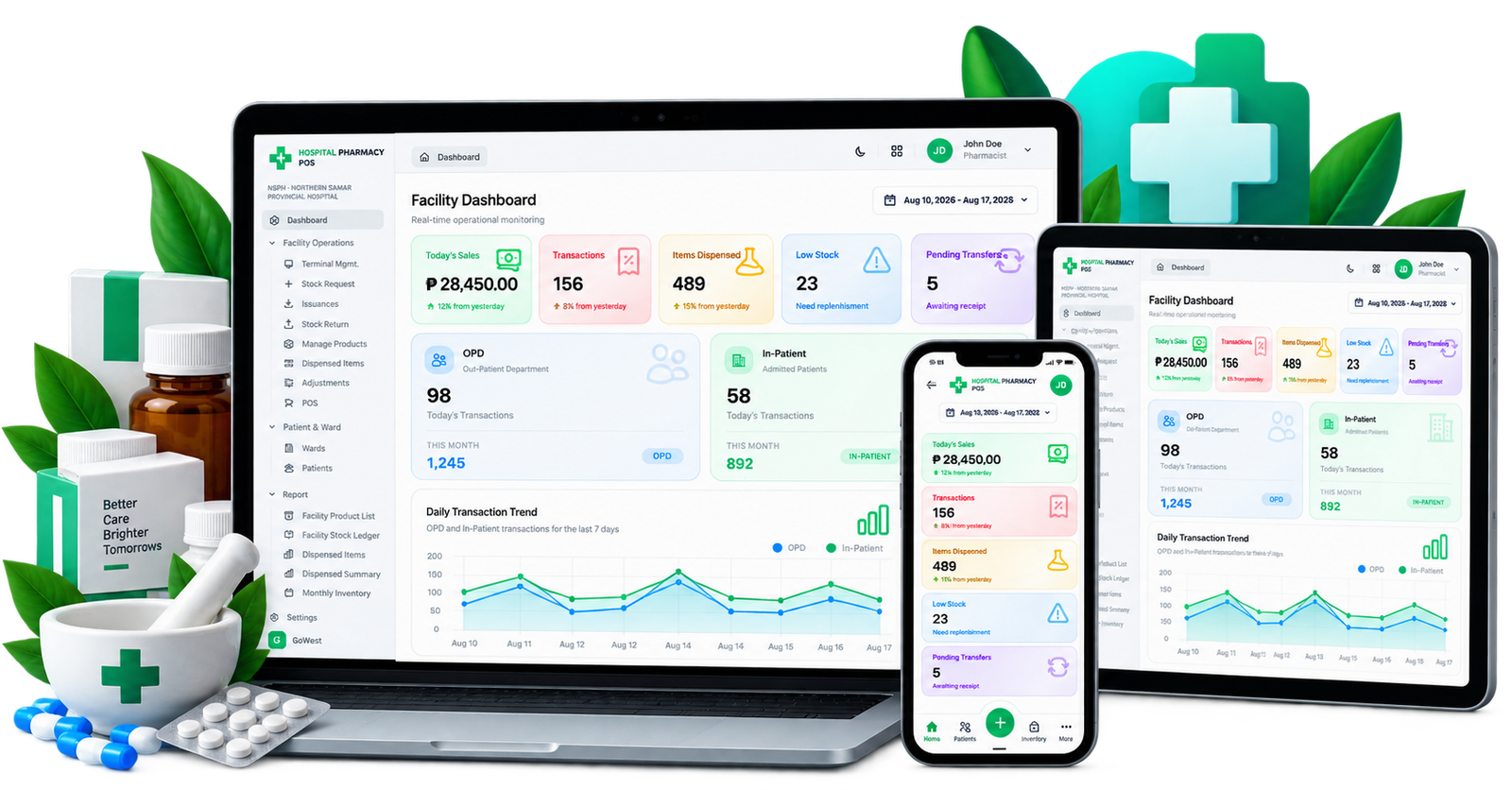
Everything needed for modern pharmacy operations.
Designed to support the complete pharmacy workflow, from purchasing and receiving to dispensing, allocation, transfers, inventory control, and reporting.
Pharmacy POS
Process pharmacy transactions efficiently with controlled item selection, quantity validation, inventory deduction, and transaction recording.
Inventory Management
Maintain accurate stock balances with inventory tracking, stock adjustments, movement history, availability checks, and stock monitoring.
Purchasing & Receiving
Manage purchase transactions, received supplies, quantities, costs, and inventory updates while maintaining transaction history.
Stock Allocation
Allocate available inventory to facility requests while validating quantities and maintaining accurate requested, allocated, and remaining balances.
Stock Transfers
Manage movement of pharmacy inventory between authorized locations while preserving traceability and stock balances.
Multi-Facility Management
Support centralized warehouse operations and multiple facility pharmacies with separate users, inventory, transactions, and synchronized data.
Reports & Analytics
Monitor pharmacy activity with transaction, inventory, purchasing, stock movement, and operational reports.
User & Access Control
Apply role-based access and controlled permissions to ensure users only access the functions and locations assigned to them.
Audit Trail
Maintain accountability through user activity, transaction history, inventory movements, and system audit records.
One connected workflow from stock to service.
The system connects the major pharmacy processes so inventory remains controlled and operational activity remains visible.
Manage Inventory
Maintain accurate stock records, availability, movements, and adjustments.
Process Transactions
Record pharmacy transactions while automatically maintaining stock balances.
Request & Allocate
Facilities request stock and available inventory is allocated based on validated quantities.
Transfer Stock
Move authorized inventory between locations with transaction traceability.
Monitor & Report
Use centralized reports and dashboards to monitor pharmacy operations.
One system. Multiple healthcare facilities.
Centralized warehouse operations can work together with multiple facility pharmacies while maintaining facility-specific users, inventory, transactions, requests, allocations, and operational records.
Built for controlled healthcare operations.
Pharmacy operations require accurate records, controlled access, and clear accountability. The system is designed around those principles.
Role-Based Access
Users are given access according to their assigned roles and operational responsibilities.
User Accountability
System activity can be associated with the responsible user for better operational accountability.
Audit Logs
Important activities and changes can be recorded for review and operational monitoring.
Transaction History
Pharmacy transactions and stock movements remain traceable through their transaction records.
Inventory Controls
Stock validation helps prevent allocations and transactions from exceeding available quantities.
Data Synchronization
Approved information can be synchronized between connected warehouse and facility systems.
Access the system from your browser.
The Hospital Pharmacy POS can be accessed through a modern web browser and installed as a Progressive Web App on supported devices for a more application-like experience.
Installation availability depends on browser and device support for Progressive Web Apps.
Ready to access the Pharmacy Management System?
Access the Hospital Pharmacy POS to manage pharmacy operations, inventory, transactions, and connected facility activities.